

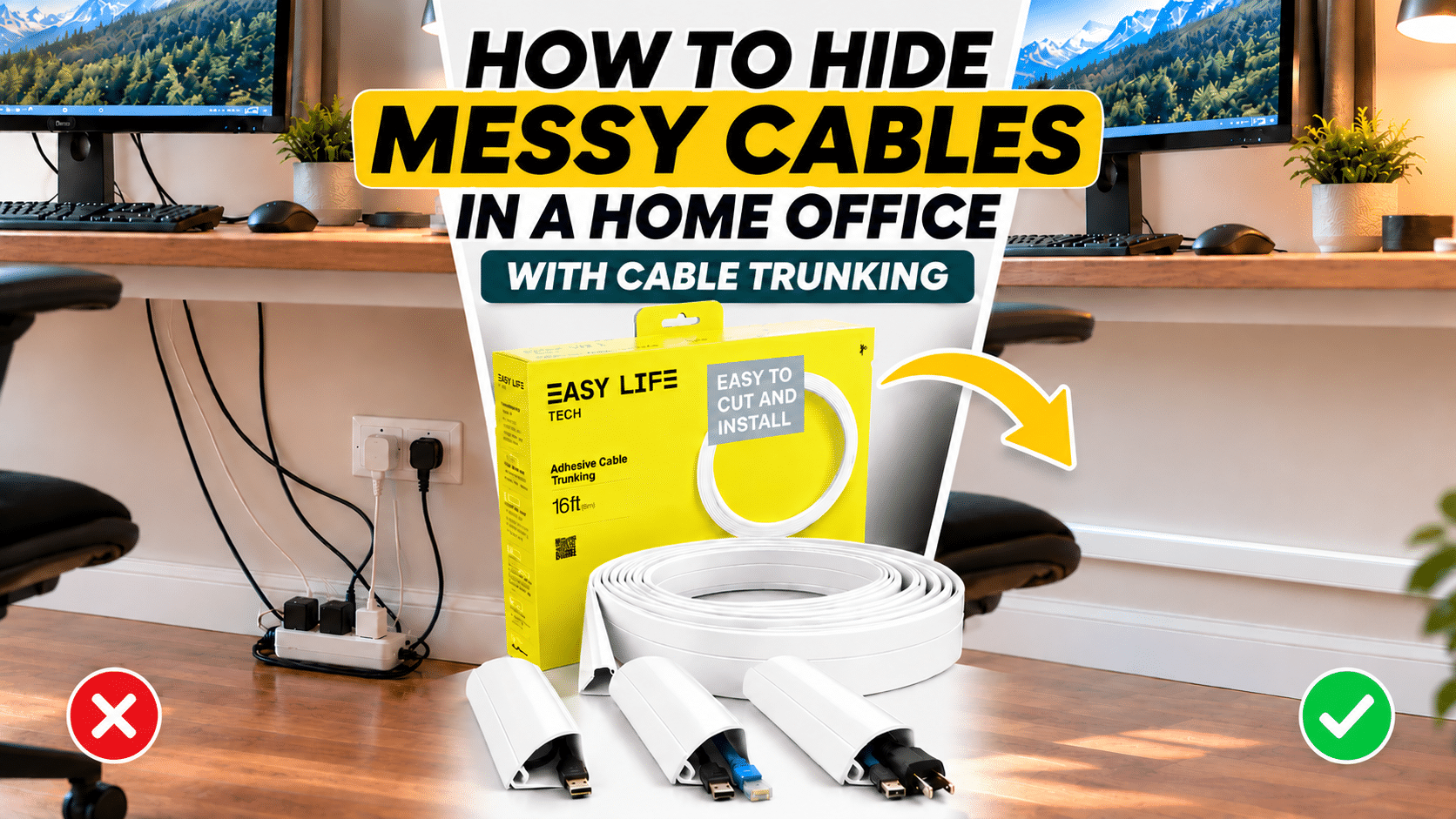
How can you hide messy cables in a home office with cable trunking when every desk seems to collect a new tangle of chargers, monitor leads, and power strips each month? The most reliable approach is cable trunking for home office use, a slim channel that encloses loose wiring and runs it neatly along a wall, desk edge, or baseboard. Instead of relying on temporary fixes that slip and sag, this method gives every cable a fixed path and a clean finished look. Anyone who wants to hide computer cables for good will find that the right trunking turns a cluttered workspace into one that feels calm and professional.
Quick Answer
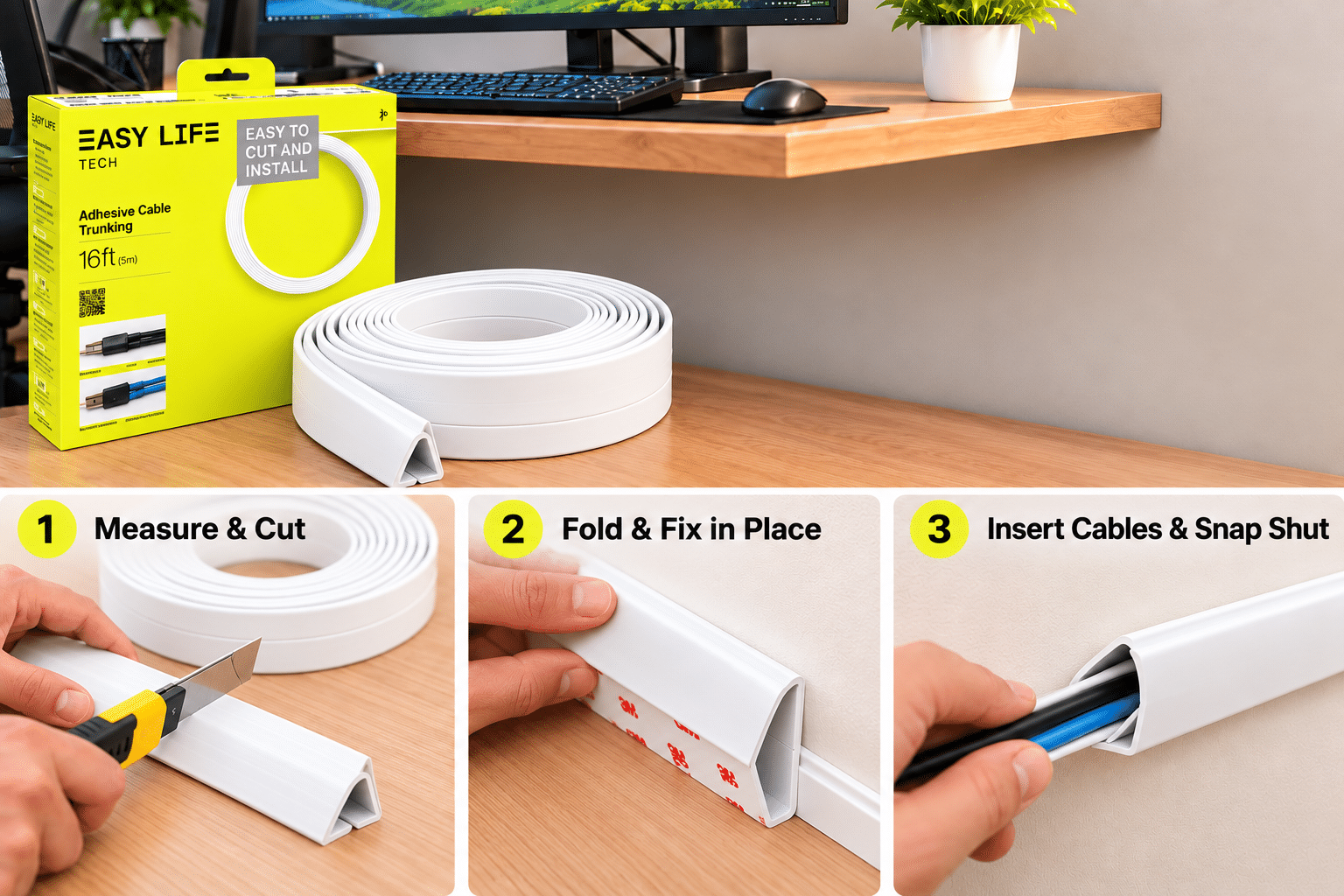
Cable trunking is a hollow, snap-closed channel that conceals wires and holds them against a surface, which makes it one of the most effective forms of desk cable management. To hide computer cables, measure the route, cut the trunking to length, fix it in place, press the cables inside, and close the cover. A flexible cable organizer in roll form, such as EasyLife Tech Cable Trunking In A Roll, makes this wire management solution easy to fit around corners and edges.
Why Do Messy Cables Build Up in a Home Office?

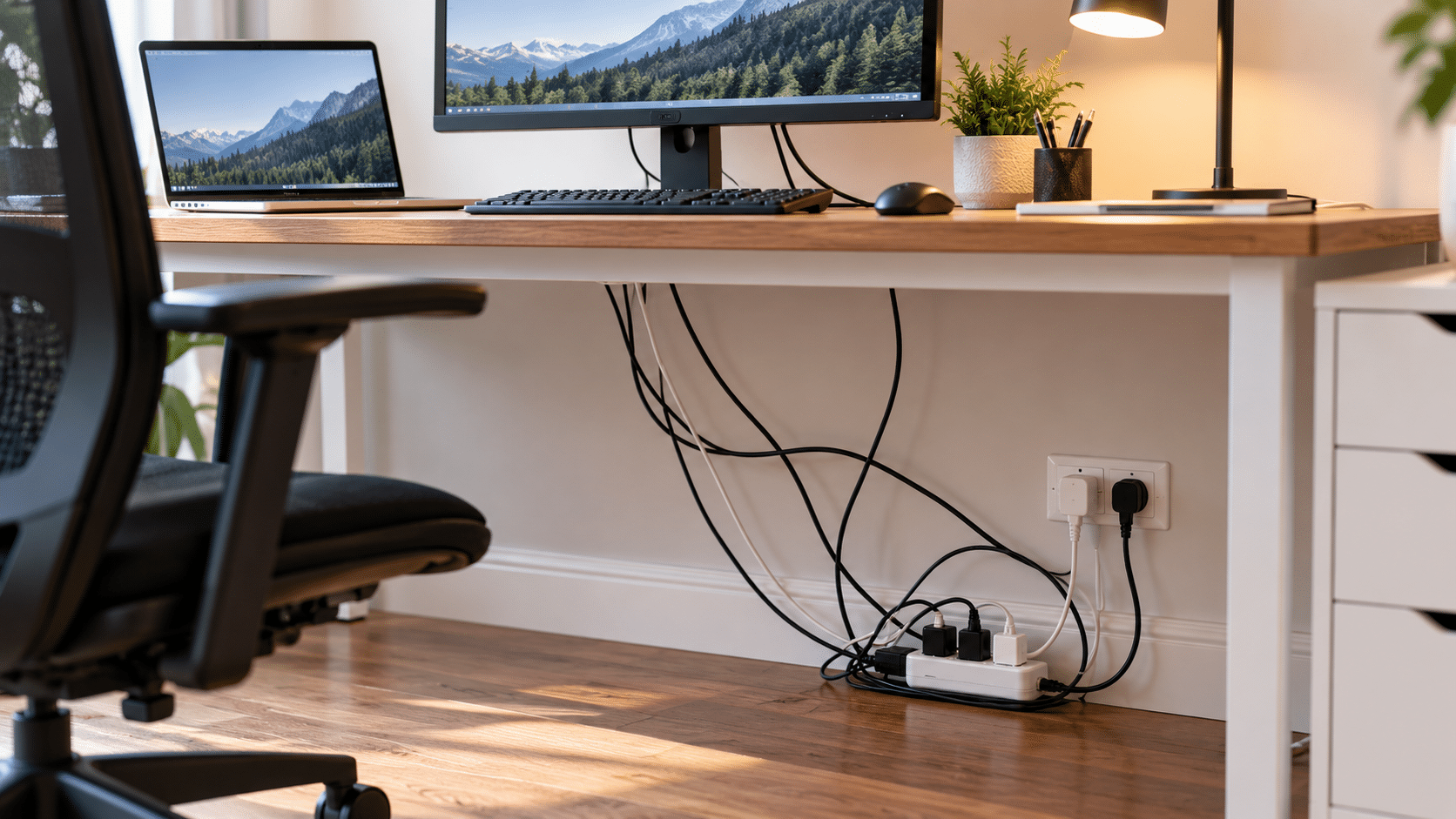
Home offices gather cables faster than most people expect. A laptop, monitor, webcam, lamp, phone charger, and speakers can each add a lead, and every new device usually brings another adapter. Without a plan, those wires settle behind the desk in a knot that traps dust and makes unplugging anything a chore. Good desk cable management protects equipment, reduces tripping risks, and keeps the room easier to clean.
What Is Cable Trunking for Home Office Setups?
Cable trunking is a semi-rigid channel with a removable or snap-on lid. The cables lie inside the channel and the lid closes over them, leaving only a smooth strip visible. Because it is fixed to a wall, desk leg, or baseboard, it holds wiring in a straight and predictable line.
Compared with a loose cable organizer such as a clip or sleeve, trunking offers full concealment along the entire run. It suits a home office well, since one channel can carry power cords, HDMI leads, and network cables together.
How to Hide Computer Cables Step by Step
Plan the Cable Route
Start by tracing every cable from its device to the power outlet. Decide where the trunking will run, usually along the back edge of the desk, down a table leg, and across the baseboard to the socket. A short, straight route means fewer corners and a neater result.
Measure and Cut the Trunking
Measure each section and mark the cutting points before touching the roll. Cut each piece slightly long, then trim it again once the fit is confirmed.
Fix the Trunking in Place
Clean the surface so the trunking sits flat, then secure it along the planned route. Working from the outlet toward the desk keeps the lines straight.
Press the Cables In and Close the Lid
Lay the cables into the channel, keeping power and data leads side by side, then close the cover along the full length. Leave one point unclipped if a spare lead may be added later. This final step completes the wire management solution.
Why Choose Cable Trunking in a Roll for Your Workspace?
A roll format offers flexibility that fixed lengths rarely match. The trunking can be cut to the exact size of a desk, wall, or corner.
EasyLife Tech Cable Trunking In A Roll is a practical cable organizer for anyone who wants a tidy finish without hiring an installer. As a wire management solution, it balances a clean look with the freedom to adjust the setup later.
Buying Guide Questions for Cable Trunking
How much cable trunking do I need?
Measure the full route from the devices to the outlet and add roughly ten percent for corners and trimming. A roll suits this approach because any extra length can be saved for future changes.
Can I put several cables in one channel?
Yes, power and data cables can share a channel as long as the lid closes without pressure. Avoid overfilling it so the cables are never squeezed or left to build up heat.
Is cable trunking suitable for renters?
Check how the trunking is fixed before installing, since some rental agreements limit what can be attached to walls. Running it along a desk edge or baseboard is often the least intrusive option.
What should I check before buying?
Look for a channel size that fits your thickest cable bundle, a lid that closes securely, and enough length to cover the whole route. A finish that blends with your walls or desk helps the setup disappear.
Ready to Hide Messy Cables With Cable Trunking?
A tidy workspace starts with giving every wire a defined path. Cable trunking for home office use provides that path, helping you hide computer cables, simplify desk cable management, and protect your equipment at once. With a flexible cable organizer in a roll and a few minutes of planning, a clean setup is well within reach.